Creating Marketing Resources with ButterKit
ButterKit is a fantastic resource. Creating screenshots, uploading App Store connect metadata, localization, it does it all. Buy it once forever, or just subscribe for when you need it. Made by a passionate developer who is actively listening to feedback and improving the product. It’s one of those tools you dream of as a developer.
Recently I’ve been extending those capabilities into creating marketing resources for social media posts. Here is a quick example to show just how easy it is to put something together, using my World Cup schedule tracking app as an example.
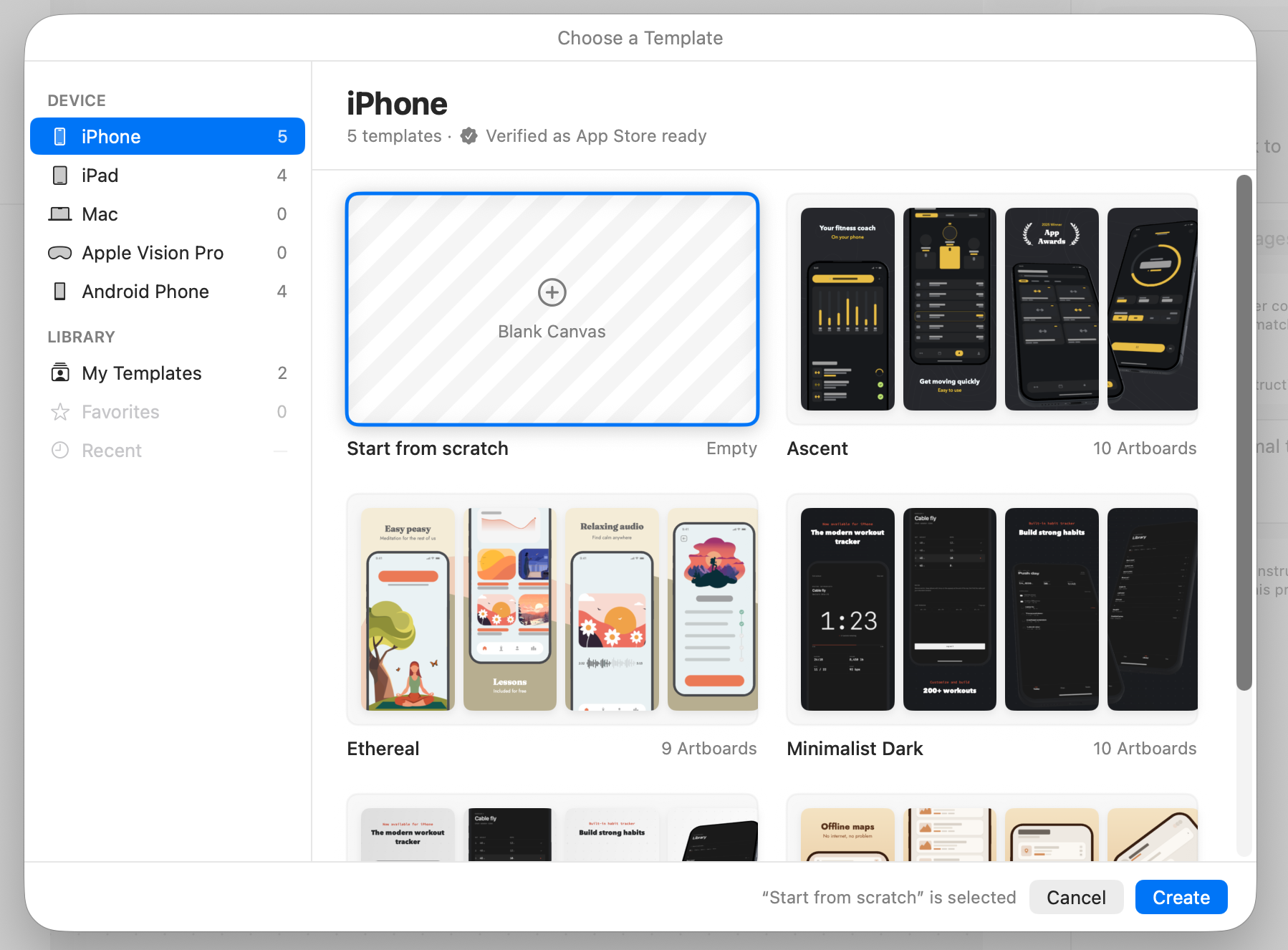
- Create a new project - Blank Canvas
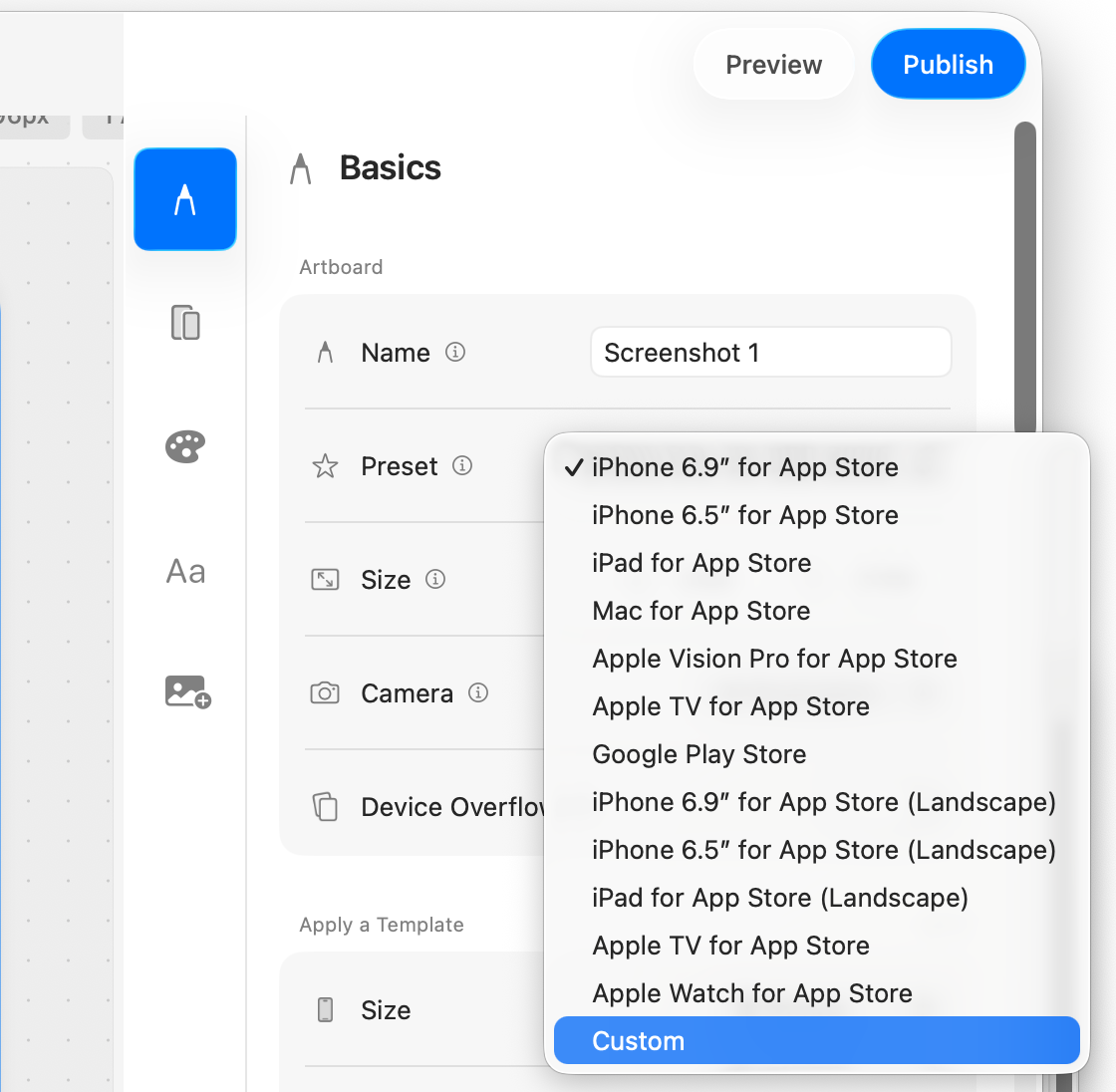
- Change the artboard Preset to Custom.
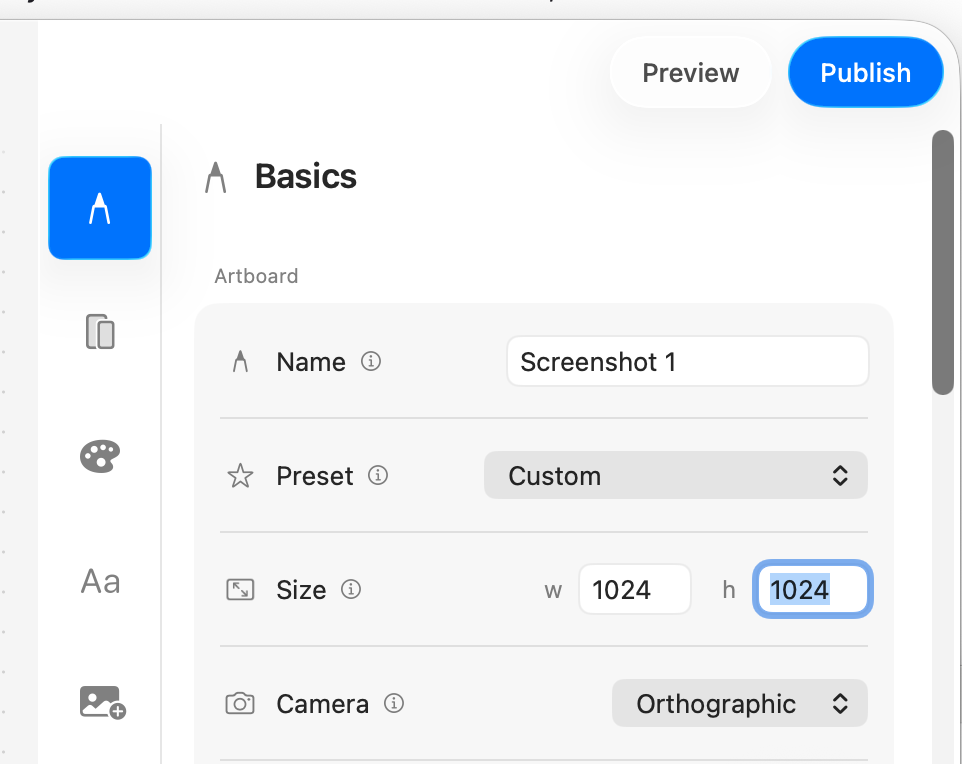
- Adjust artboard size to 1024x1024 for a nice square image.
- Add some text, and drop in a screenshot (or two!).
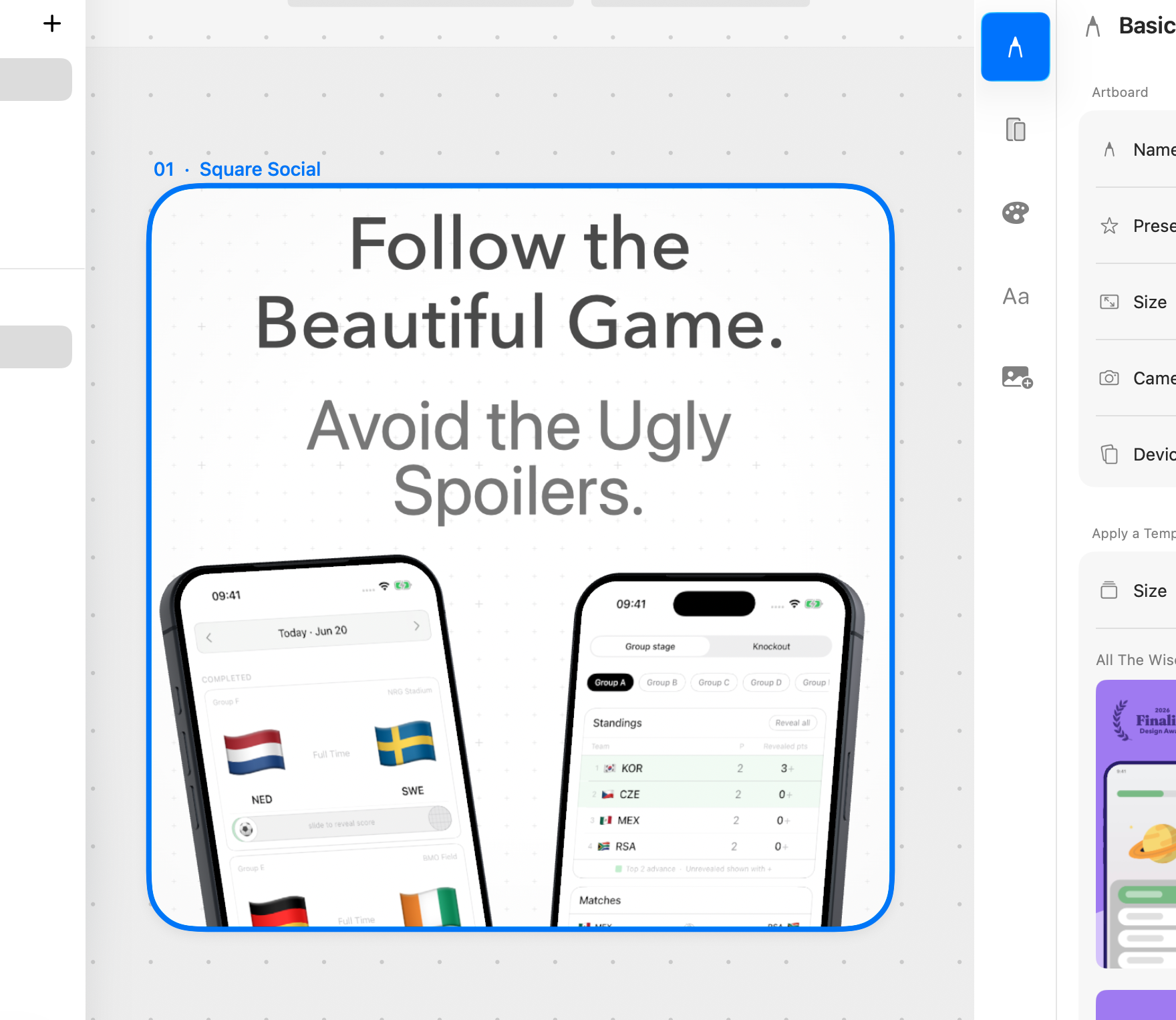
That’s it. Click ‘Publish’ to save the image and upload to wherever.
ButterKit is so versatile, and I love having the marketing images live along side the screenshots in dedicated Artboards. As a team of one, it’s a great way to keep that organized and aligned.
If you’re already a ButterKit user, I’d encourage you to try using it for more than just screenshots. If you’ve never tried it before you can check it out, and support me at the same time by using my referral code. If you end up purchasing via my link, I earn a commission at no extra cost to you.
Just want to learn more? Check out ButterKit at https://butterkit.app.